In Focus – Digital Images
A question I’m often asked … ‘where can I find good quality images online’? There are certainly many excellent paid services such as Shutterstock and Adobe Stock. However, I wanted to highlight two truly excellent FREE image services to you.
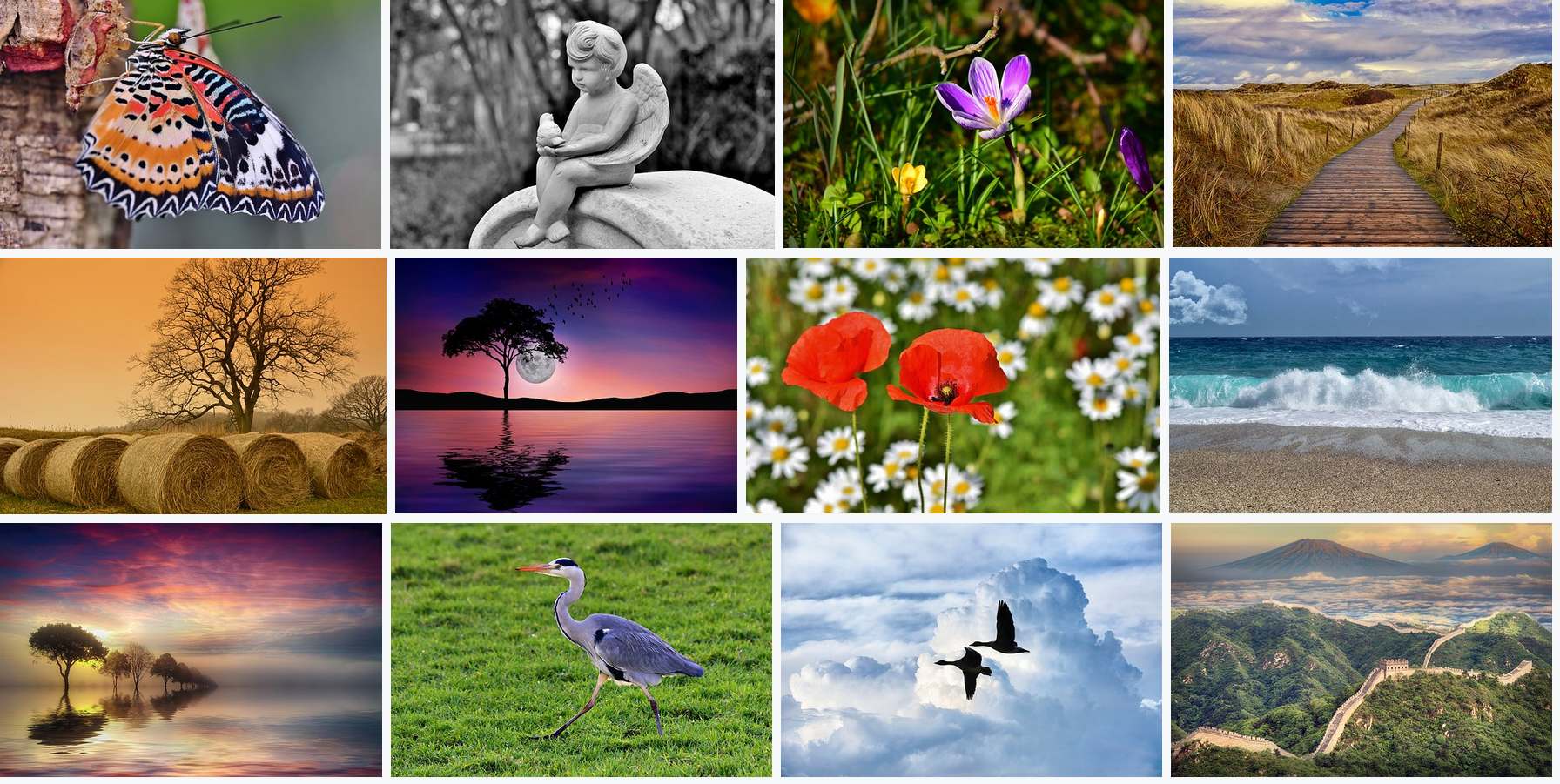
I HIGHLY recommend Pixabay for its variety and quality of beautiful images. I’ve taken a screenshot of some recently added images below. According to their website, ‘Pixabay is a vibrant community of creatives, sharing copyright free images and videos. All contents are released under the Pixabay License, which makes them safe to use without asking for permission or giving credit to the artist – even for commercial purposes.’

Unsplash is another great website – and even includes photos from current world events. I think the photos on Unsplash are slightly more ‘arty’ and ‘creative’ (comparing it to Pixabay) but just as high quality as Pixabay. Feel free to post in the comments below if you have thoughts about this too!
From their website: ‘All photos published on Unsplash can be used for free. You can use them for commercial and noncommercial purposes. You do not need to ask permission from or provide credit to the photographer or Unsplash, although it is appreciated when possible.’
I’d like to highlight that last sentence as it relates to both Pixabay and Unsplash (and really, anybody’s work!) – photographers do appreciate credit for their work being given – so please do that when you can!
Online photo editors
Sometimes you need to edit a photo, whether it be one you have taken yourself, perhaps a screenshot of your computer screen, or one of the above free images. Here are a couple of excellent online photo editors to help you with this!
Being an online graphic design tool it has a LOT of features! – however it also has an easy to use image editor. It’s a site for non-designers, however professional use it too apparently! The free version gives you: Two folders to organize designs; 1GB storage for photos and assets; Access to over 8,000 templates; and the ability to upload your own images .
A super easy to use online image editor, Pixlr X allows you to simply upload or drag and drop an image on to the browser window, make changes, then save to your computer. Free – and easy!!
Did you know?
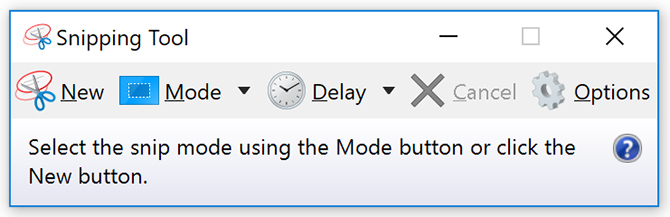
On all of our computers, there is a WONDERFUL tool called the ‘Snipping Tool’. I know a number of you use it, but I thought it was worthwhile pointing it out for anyone who has not yet discovered it. I use it multiple times every day, and I couldn’t imagine not having it! Simply put – you would use the Snipping Tool to create screenshots of an open window, rectangular areas, a free-form area, or the entire screen. Very handy for providing visual explanation to my team of an error or issue you are having on your computer (and uploading this image to the Helpdesk), but also a very quick way to create a screen grab of any shape to add to your lecture slides, or an explanatory email to a student. Did I mention that I really love this tool!! 🙂 Here is a video I found that explains where to find it, and how to add it to your taskbar – the video is for computers that have Windows 10 – so if it doesn’t look familiar, or you know you don’t have Windows 10, let me know!
One more thing…
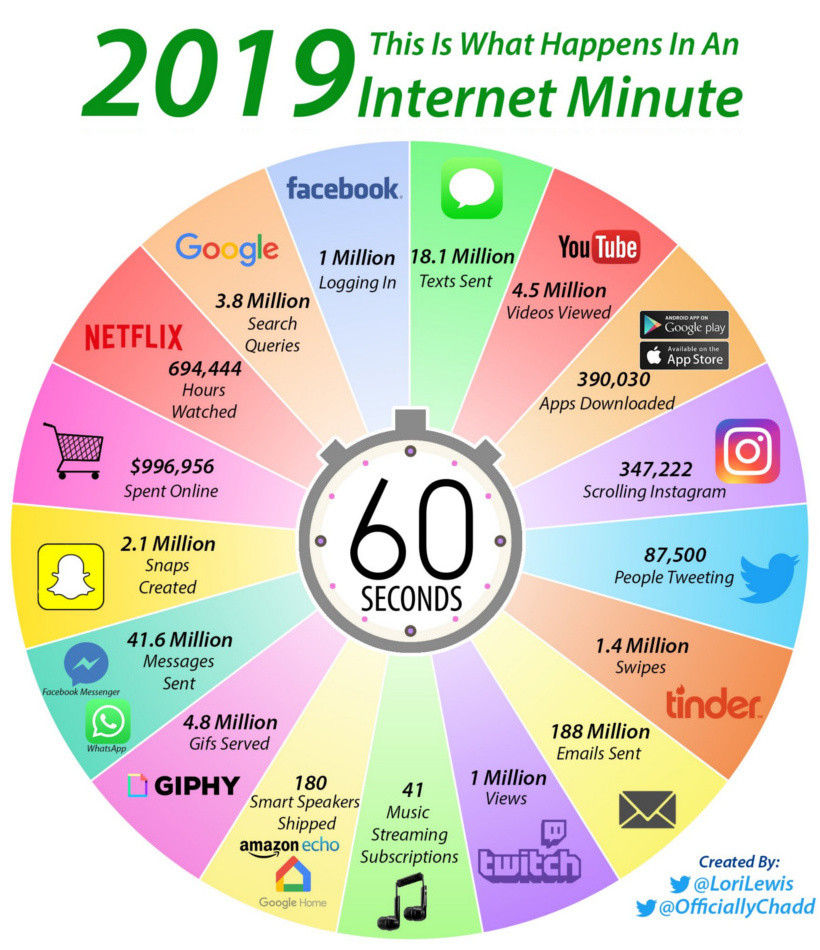
I came across this today and thought you might be interested in these statistics! Here is a link to the page it came from – the 2018 version is also located on that page – interesting to compare!
Ok, that’s all for now. Will attempt to write another blog (probably shorter!) in a couple of weeks.
Have a great fortnight!
Cheers
Trudy

 Digital Learning
Thanks for sharing Trudy. I was only looking for some free images the other day 🙂 Now I know where I can get some.
Thank you Trudy very interesting, much appreciated. Fran